How To Get Image URL's For Image Slider
Getting The Image Links When Uploading The Images:
When You Upload The Image, Before You Click The Insert Button -
Right Click On The Image And Select "Copy Image Address"
This Will Give You A Link To The Full Size Image
This DOES NOT Work For Images You've Already Uploaded
Getting The Image Links After They've Been Uploaded:
Upload & Add Photos To The Image Blocks Below
Click On Save
Click On Triangle To Preview Page In Browser Window
Right Click On The Image And Copy The URL Address
Paste The URL In The Text Box Below The Image
Save Page
Open Image Slider Template & Change The Image Src Links
Where to Change It in the Code:
In the HTML file, there are exactly two lines with placeholder image URLs:
<div class="jsv-img-before">
<img src="https://placehold.co/1200x800/2b2b2b/e8e8e8?text=BEFORE+PHOTO" alt="Before">
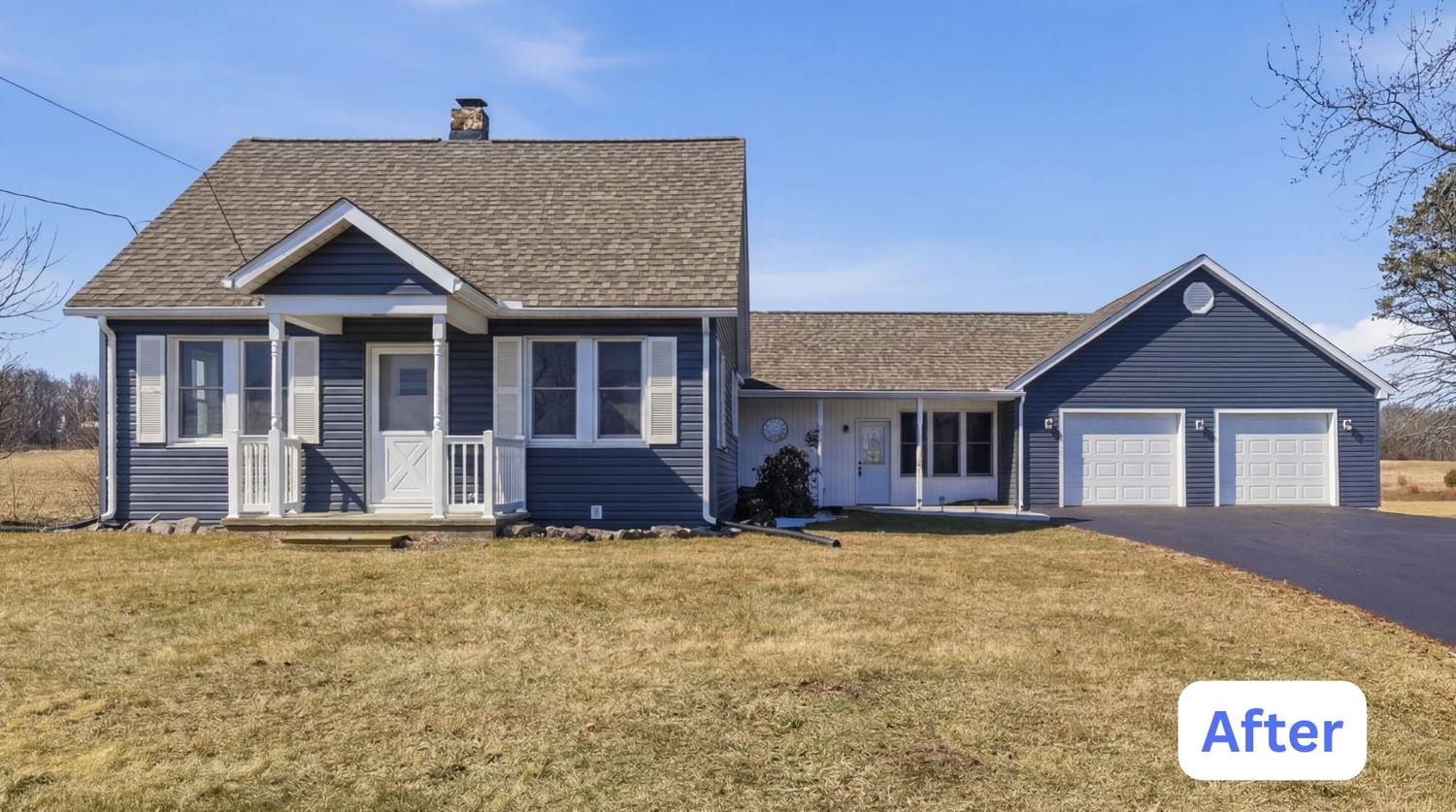
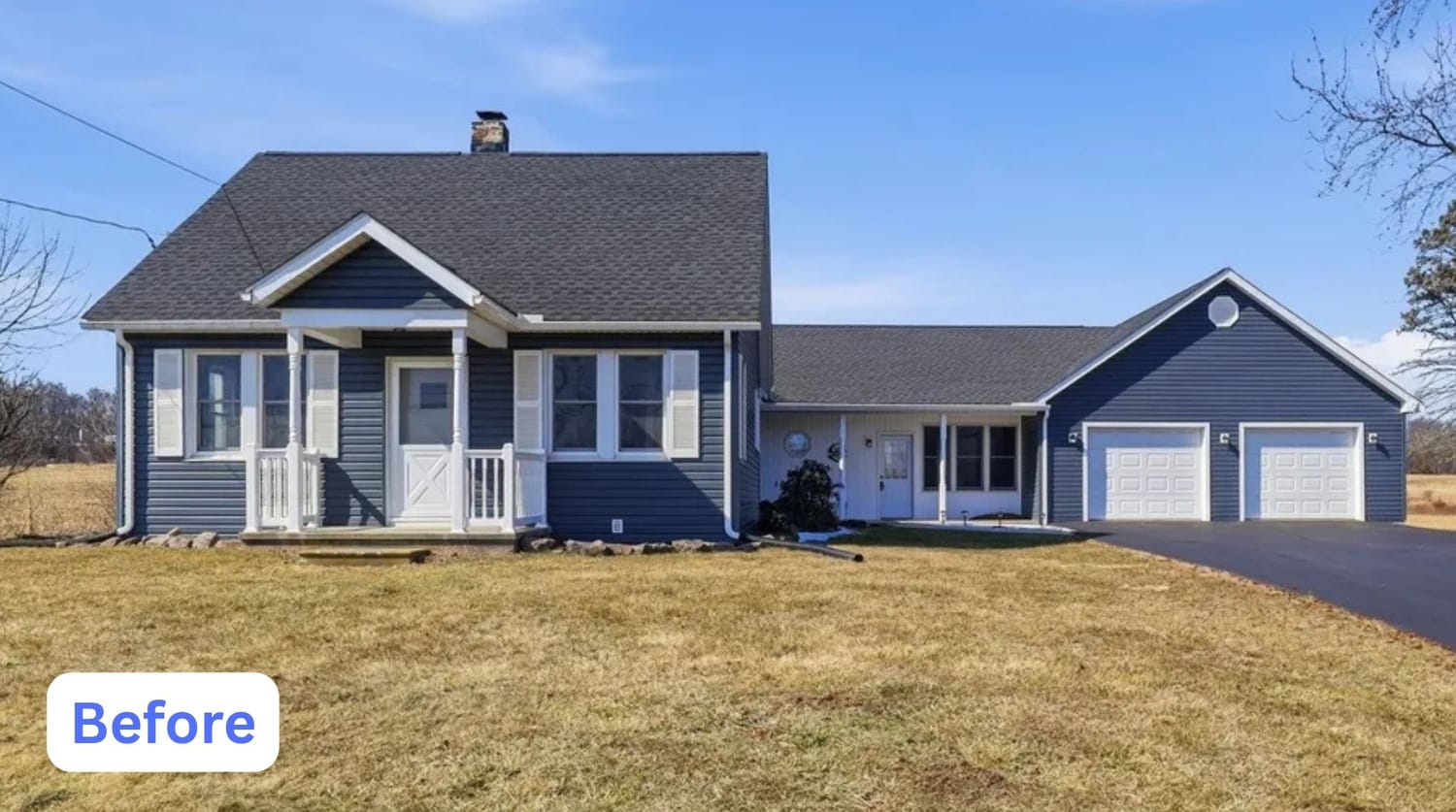
→ Replace the src="..." with your before photo's real URL. Update alt="Before" to something descriptive too, like alt="Torn shingle roof before".
<div class="jsv-img-after" id="jsvAfter1">
<img src="https://placehold.co/1200x800/0a1f44/c9a227?text=AFTER+PHOTO" alt="After">
→ Replace the src="..." with your after photo's real URL. Same idea for alt="After", e.g. alt="New metal roof after".